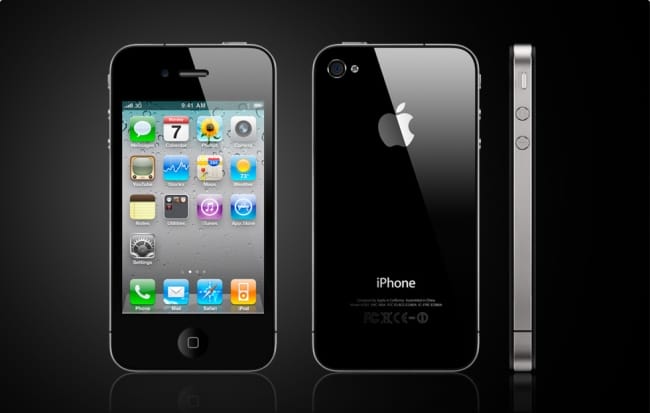
SIM free phones are essentially phones that are not locked to any network when you buy them. In other words you can use them on any network you like. What are t...
With the expected, if not urgently needed, launch of iPhone 5 (or 4S as some are calling it) sometime in October, it’s time to look at the known knowns and the unknown knowns about the new device.
What can we expect from Apple?
...
How to join a Wireless Network on your iPhone or any other iOS Device
Join the network
Verify Wi-Fi is enabled and that you are connected to a Wi-Fi netwo...
If your iPhone becomes unresponsive try these easy steps first.
If you are still experiencing problems after this the next step would be to try a Restore through iTunes.
Recharge iPhone
Connect iPhone to a high-power USB port, such as the on...
To set up tethering on your Device
Press Home , press Menu , and touch Settings to open the Settings
application.
Touch Wireless & networks > Tethering & portable hotspot.
Check Portable ...